

RADIANT OPTIMIZER BROWSER GAMESLEGENDARY
GAMES.
NEW TABS.
Quake. Diablo. Halo. Zombies.
Your next rabbit hole is one tab away. Find the project, grab the right files, and jump in.
Your next tab starts here.
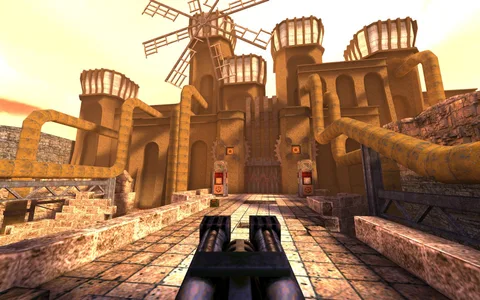 GUIDE 01
Quake
Find the QuakeWorld project, join a match, and sort out mouse capture.
Project has a browser launch screen GUIDE 02
Diablo
Understand the shareware route and the file needed for the full game.
Full game needs your DIABDAT.MPQ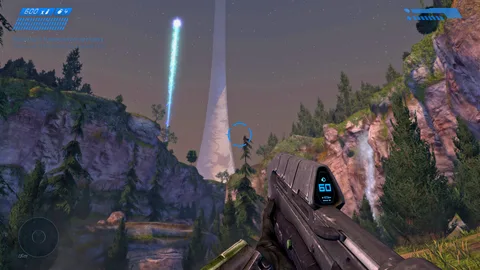 GUIDE 03
Halo CE
Find the mobile project and prepare your own disc image before starting.
Your own Xbox disc image required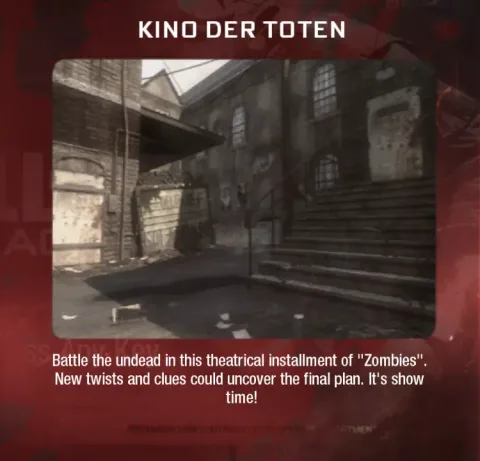 GUIDE 04
Black Ops Zombies
Separate BO1, Moon, Kino and Cheese Cube links from the viral post.
Separate projects; features varyGame imagery identifies the original titles and projects; browser versions can look different. Image credits
LESS GUESSING.
MORE GAMING.
One quick check before you dive in: some projects open straight to a launch screen. Others need files from a game you own. Here’s how to find your way in.
Fix a loading problem ↗Use the named destination, then read its current instructions. The projects are run by different creators.
Look for a game-file prompt, supported controls and storage needs before you begin.
Try one project in a current browser. Test controls before full screen, and keep a copy of any exported save.
RIGHT NAME.
DIFFERENT QUEST.
Radiant Optimizer is also the name of a Windows optimization product. This website covers the browser game projects shared by the Radiant Optimizer X account. It is an independent editorial guide, with no affiliation to that account, the software company or game publishers.
You do not need to buy a PC optimizer to follow our game guides. For software downloads, licenses or product support, use the software’s own website. For the games that started this guide, see the original October 8 game list.
We link to external projects and explain their published requirements. A link or a working launch screen is not a guarantee that every mode, device or controller works. Read how we check sources →