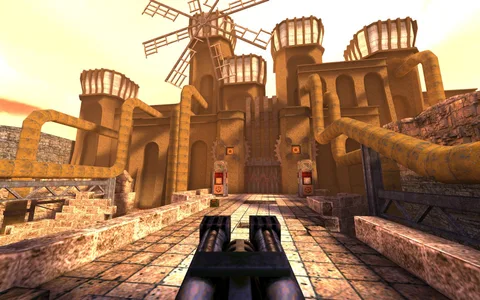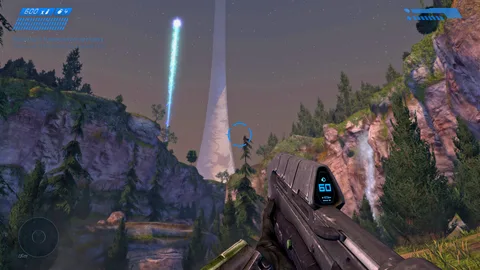
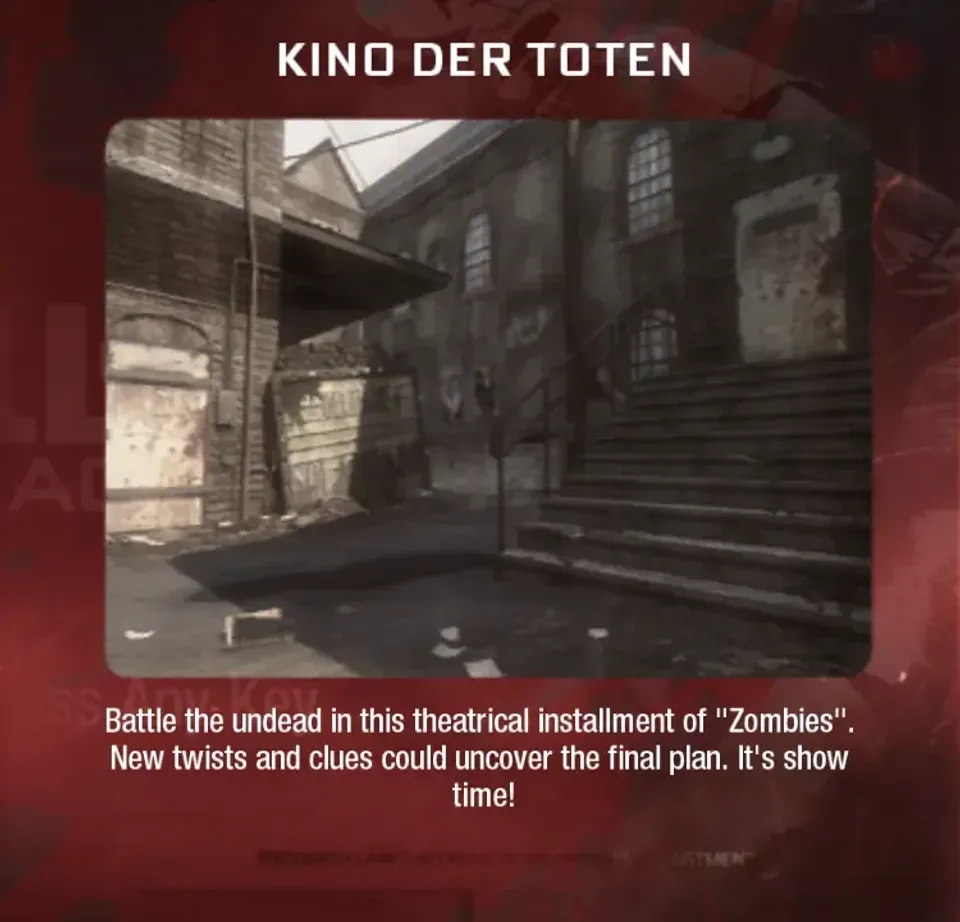
The source post lists four separate Zombies destinations: BO1 Zombies on vel.gg, plus Moon, Kino der Toten and Cheese Cube on individual Pages sites. Treat them as separate community projects, not one browser edition of the complete Call of Duty games.
Open BO1 project ↗Find the map or project you meant
The post groups familiar Zombies names together, but each link is its own destination. Start with the name you actually saw and check the title after the project opens.
- BO1 Zombies: vel.gg/bo1z
- Moon: moon-zombies.pages.dev
- Kino der Toten: kino-der-toten.pages.dev
- BO3 Cheese Cube: cheese-cube.pages.dev
These labels come from the original game-list reply. They do not establish that a project contains the whole retail game, all maps or the same online features. Our check could read a page at the BO1 destination, but did not establish a complete playable session. The Moon destination did not load reliably in our check.
Check what the project actually includes
Before treating a link as a replacement for a game you own, read what the project calls itself. A recreation of one map, a modified survival scenario and a full-game port are different things. Screenshots alone do not resolve that distinction.
The BO1 page exposed a description of starting at round 100, with a large zombie count and no perk machines. That description is a reason to inspect the selected mode, not evidence that ordinary BO1 progression is available. We do not generalize it to Moon, Kino or Cheese Cube.
Look for the current controls, any game-data prompt, mode choices, and a creator or source link. If the project provides no clear information, keep expectations narrow: you have located a link from the post, not verified every promised feature.
Try one project at a time
- Open the chosen destination in a regular tab on a device you are allowed to use for games.
- Check that the page title and visible content match the entry. If it redirects somewhere unrelated, stop and return to the source list.
- Read the page’s controls and requirements before pressing its start control.
- Let the initial load finish. Avoid opening all four projects simultaneously on a low-memory device.
- Test movement, aiming and the menu before trying a long survival run.
If the page asks for game data, check exactly what it expects and whether you own the required files. This guide does not distribute them. The source post itself notes that some entries need your own game files; “runs in a browser” is not a universal promise that no setup is needed.
Mouse capture and controllers
If the game is visible but your view does not turn, click inside the game area and look for a pointer-capture prompt. Escape normally gives you a way back to the browser. Full screen and mouse capture are separate behaviors, so getting a full-screen image is not proof that input is ready.
Controller support needs to be checked for each project. The same applies to touch controls. Do not install a system optimizer or unrelated launcher to make a browser recognize an input device. First compare the project’s documented controls with what you have connected.
For input delay, close unnecessary tabs and test a smaller game window or a lower in-game resolution if available. Change one setting, repeat the same action, and compare. A slow network connection matters for an online session, but it does not explain every local aiming problem.
Questions from the source thread
What if a game link gets taken down?
Check the original creator or source post for an updated destination. We cannot promise an alternate mirror or continued availability. Avoid substituting a similarly named domain without confirming who operates it.
Question in the original discussion ↗